

Auto Quotation
According to the quotation data and additional accessory data of the current installation plan
and installed objects, to create a quotation list.
Steps:
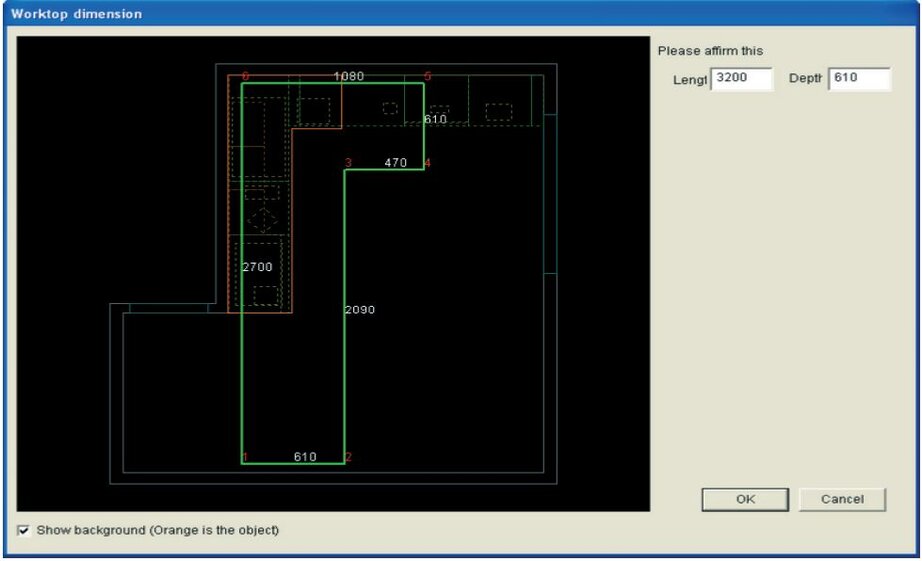
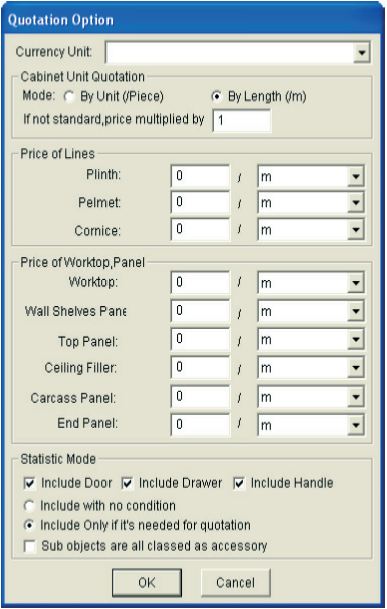
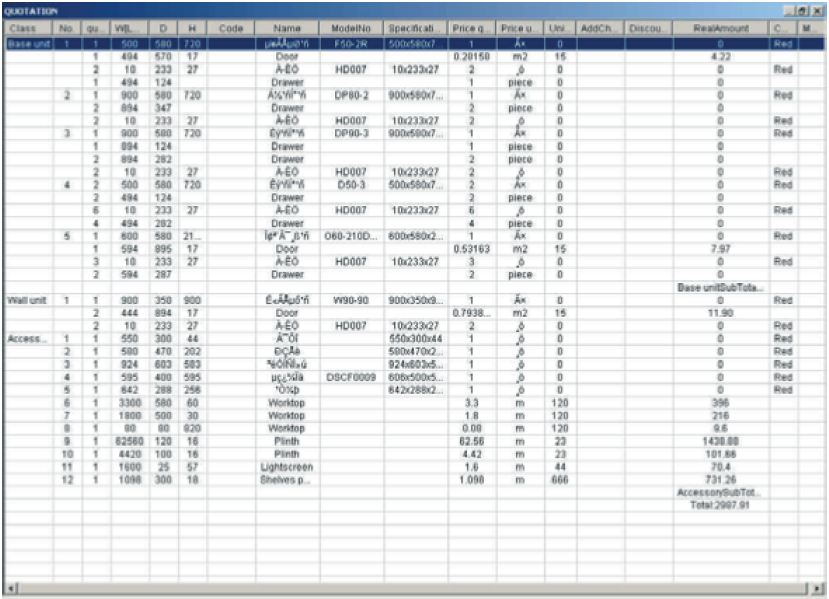
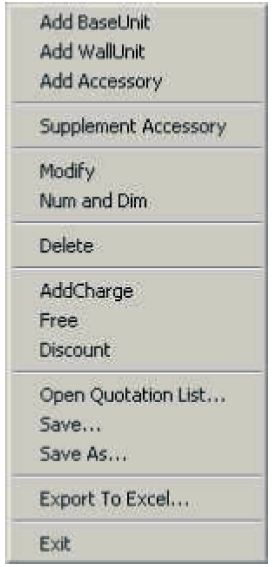
1. Select Quotation → Auto quotation, and then confirm the dimensions of the worktop.2. A “Quotation option” dialogue box will pop up in which you can input the unit priceof the product and the statistical method of door panel, drawer and handle. Click “OK”.The “Kitchen cabinet quotation” window appears and displays the object detail quotation data of the current graph in the list.The following detail introduces the edit function of quotation list in the system. In thequotation list, right click and the shortcut menu will pop up, show above figures. Whetherthe command can be used depend on if there are selected options in the quotation list and ifthe selected data is quotation data or the additional accessory data.
Export to Excel
